
Review Dispute & Removal Requests in Northampton: Protect Your Business Reputation
Local visibility, wherever your customers search
- Google Accredited
- Boost Local Enquiries Quickly
- AI Powered Tools to Improve Quality
- Fully Managed Service
What’s Covered on This Page
- Which Google Reviews Qualify for Removal
- Building an Evidence File Before You Flag a Review
- The Google Review Dispute Process, Step by Step
- DIY Flagging vs Professional Dispute Management
- When a Negative Review Isn't a Removal Case
- How long does it take to get a fake review removed in Northampton?
- What happens after I ask you to dispute a review?
- Can I get a bad review removed just because it's unfair?
- Why do fake reviews hurt small Northampton shops more than big chains?
- Should I flag a fake review myself before calling for help?
- What evidence do I need before disputing a review?
Which Google Reviews Qualify for Removal
Here’s the part most business owners don’t want to hear. Google doesn’t remove a review just because it hurts. We get calls every week from Northampton businesses convinced a review is unfair, and sometimes it is, but unfair isn’t the same as against policy.
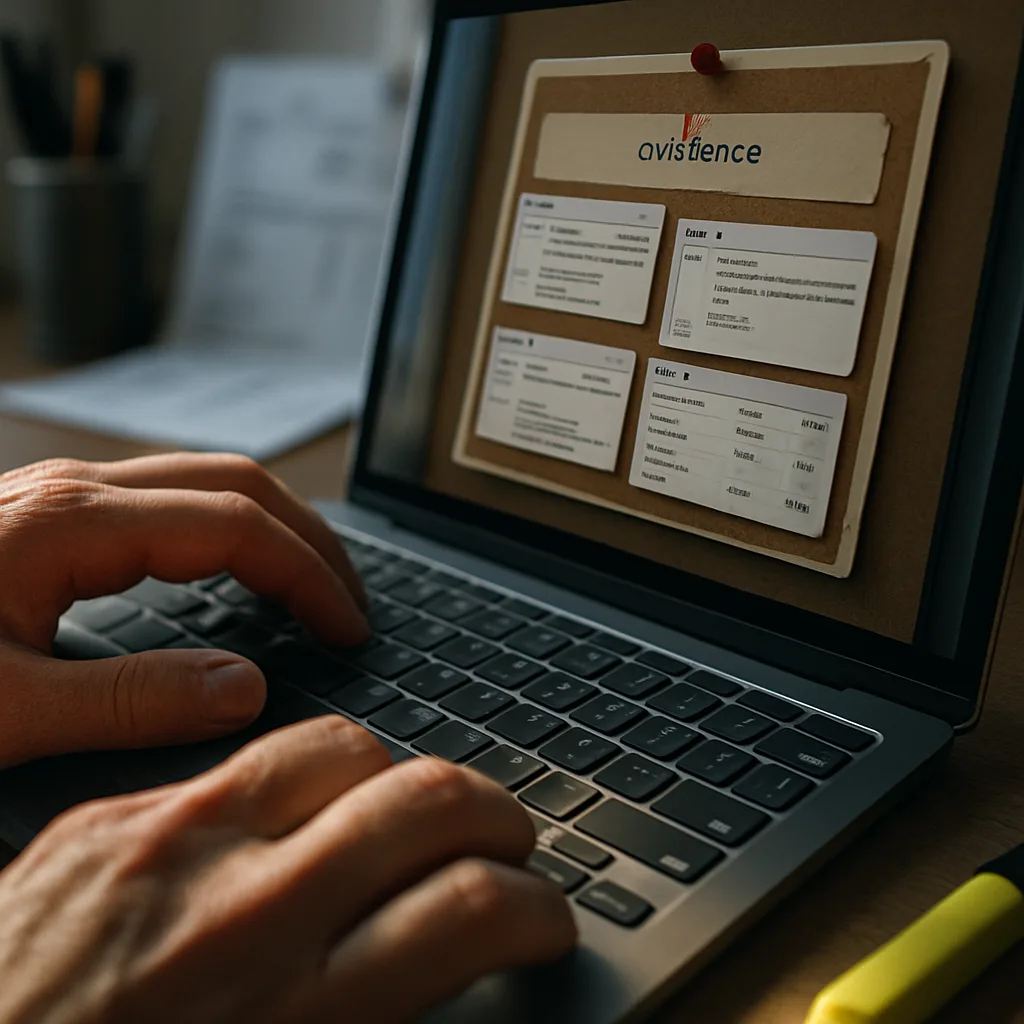
Google’s own review policies focus on conduct, not opinion. A review qualifies for a Review Dispute & Removal Requests submission when it shows clear signs of abuse rather than dissatisfaction.
- Fake or bot generated content with no real visit behind it
- Reviews posted by a competitor or someone with no genuine customer relationship
- Off-topic content, adverts, or links that have nothing to do with your business
- Hate speech, threats, or harassment aimed at staff
- Reviews clearly tied to a personal or legal conflict of interest
- Content that reveals private information about a customer or employee
A review saying “service was slow and the food was cold” doesn’t qualify, even if every word feels wrong to you. That’s a genuine experience, and Google treats it that way. That’s the answer we give when someone asks us to dispute a review that’s just plain critical.
So before you file anything, ask yourself one thing. Does this review break a rule, or does it just sting?
Building an Evidence File Before You Flag a Review
Google doesn’t take your word for it. Before you touch the flag button, you need proof the review breaks a specific policy, not just proof it’s unfair. That’s the step most business owners skip, and it’s why so many disputes go nowhere.
We ask every client the same question first. Can you show this reviewer never used your business? Often it’s the same thing, someone’s angry about a competitor, a staff dispute, or a review left years after they stopped being a customer. Feelings won’t move Google. Records will.
- A screenshot of the review with the date, star rating and full text visible before anyone edits it
- Booking records, invoices or appointment logs showing this person was never a customer
- The reviewer’s profile history, especially if they’ve left similar attacks on other local businesses
- Any messages, emails or texts that show the real dispute behind the review
- Names or shift records for staff mentioned by name in a defamatory way
So build the folder before you file anything. Screenshots first, always, because reviews get edited or deleted and then your proof disappears too.
This is where most requests fall apart, not enough proof, submitted too fast, no paper trail behind the claim.
The Google Review Dispute Process, Step by Step
Here’s the part most business owners never see. Clicking ‘flag as inappropriate’ feels like the whole job. It’s step one of about six.
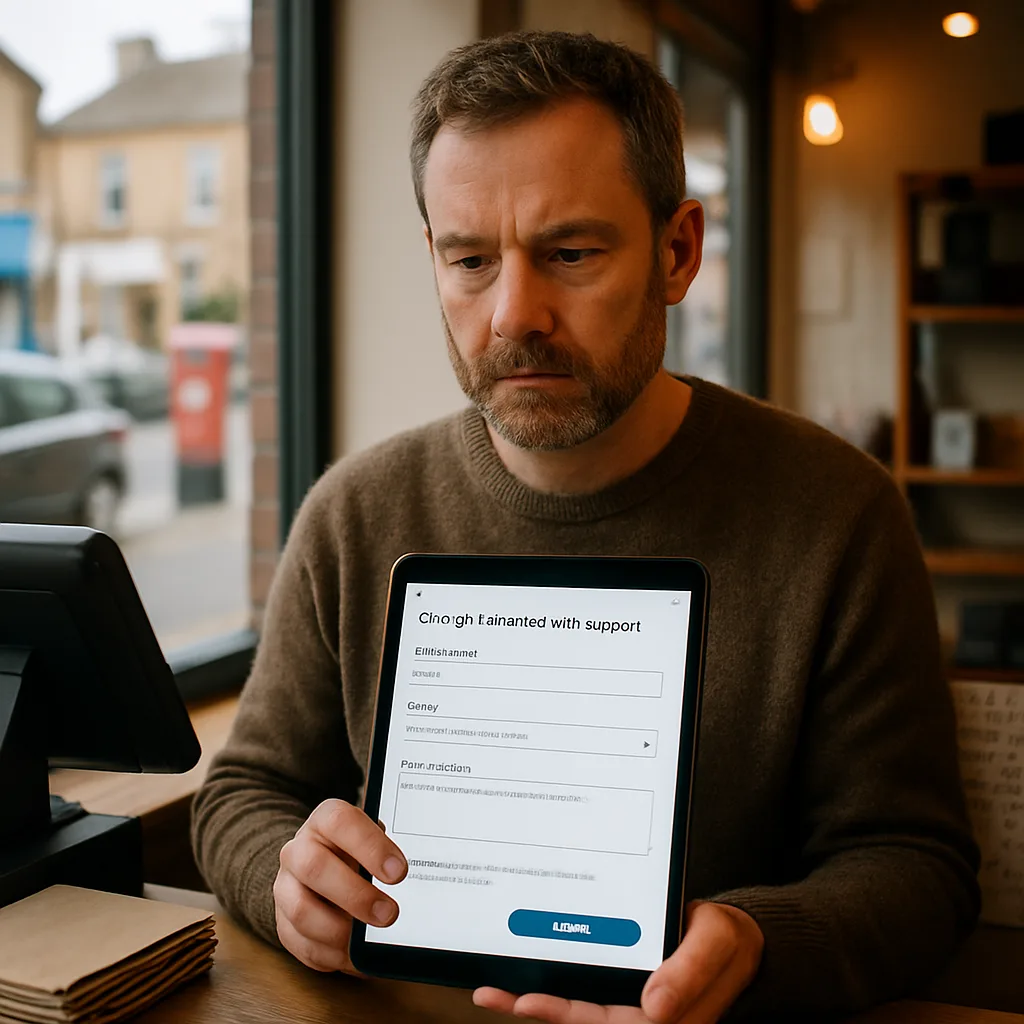
Nine times out of ten, a fake review sits there for weeks because the flag alone doesn’t do much on its own. Google needs to see a clear breach of its review policies, not just a business owner who disagrees with a one star rating.
- Pull the review and check it against Google’s policy on fake engagement, off topic content, or conflict of interest.
- Flag it directly through your Google Business Profile using the three dot menu on the review.
- Log the report in Google Business Profile support, referencing the specific policy line it breaks.
- Gather evidence, screenshots, no record of the reviewer as a customer, odd posting patterns, matching wording across other businesses.
- Escalate through the Google Business Profile help forum if the first flag gets no response within a week or two.
- Reply publicly and professionally while the dispute is pending, so anyone reading it sees you’ve addressed it head on.
- Track the outcome and reapply the same process if a fresh fake review shows up, because it often does.
That escalation step trips most people up. The public forum isn’t obvious, and posts sit unanswered without the right format. We’re Google Accredited Professionals and know exactly what evidence gets a moderator’s attention versus what gets ignored.
For a shop off Abington Street relying on foot traffic and a strong star rating to stand out on Google Maps, one fake one star review can sit above your real reviews for months if nobody pushes it.
Not every case moves fast. Some clear in days, some sit for weeks, so patience matters here.
Ready when you are – get in touch today. %20+44%201604%20913456 Audit your Google Profile and AI search performance for free. GBP Manager is ready to help.
DIY Flagging vs Professional Dispute Management
You can flag a review yourself. Google gives every business owner that option right inside the profile dashboard. It’s free, it’s quick, and for obvious cases, fake accounts, spam links, straight up abuse, it sometimes works fine on the first try.
But here’s the problem. Google’s flagging system is built for volume, not nuance, and a first flag from a business owner usually gets an automated no with zero explanation.
Picture this: a one star review with no order history, no name you recognise, posted the same week a rival opened up the road. That review gets reported and knocked back constantly, because the report never named the specific policy it breaks. We see this every single week.
- Citing the exact Google policy a review breaks, not just saying it’s unfair
- Chasing Google’s business support team when the first response is a blanket refusal
- Building a paper trail so a pattern of fake reviews can be shown together, not one at a time
- Knowing which cases are worth pushing and which ones need a public reply instead
That last point matters more than people think. A lot of reviews that feel unfair still don’t break any policy, and no amount of dispute paperwork changes that. That’s a call to make straight away, not a maybe.
Not sure which bucket your review sits in? That’s exactly what a free Google Business Profile audit sorts out, before you spend hours filing a report Google was always going to reject.
As Google Accredited Professionals, our team handles this kind of dispute regularly, and you can see how businesses rate that work on our Google Business Profile listing, which you can find here.
When a Negative Review Isn't a Removal Case
Here’s the part nobody likes hearing. A one star review that’s just someone unhappy with your service isn’t a removal case. It’s harsh, it stings, but Google won’t take it down just because it’s negative. We get calls every week from business owners in Northampton convinced a bad review must be fake because it feels unfair. Often, it’s a real customer who had a real gripe.
So how do you tell the difference? Ask yourself these questions before you spend time chasing a dispute.
- Does the review mention an actual visit, job, or purchase, even a vague one? That’s usually genuine, even if it’s unfair.
- Is the complaint about price, wait time, or a staff attitude? Frustrating, but not against Google’s rules.
- Did the reviewer leave one star with no text at all? Annoying, but not automatically removable either.
- Is it three stars with mixed feedback? That’s not a dispute case, that’s a response opportunity.
A genuinely bad but honest review deserves a reply, not a fight. And a calm, professional response often does more for your reputation than any removal ever could. Future customers read how you handle criticism just as closely as the review itself.
If none of the red flags fit, don’t waste hours fighting Google’s system, that energy is better spent on a solid reply.
Frequently Asked Questions
Common questions about Review Dispute & Removal Requests
Most disputes take one to three weeks, though some clear in days and others sit for weeks. Google reviews each report by hand, so timing depends on how much evidence you provide and how backed up their moderation queue is. Clear proof, like a screenshot and no matching customer record, moves faster than a case built on opinion alone. If your first flag gets no reply after a week or two, escalate through the Google Business Profile help forum rather than waiting it out.
We start by checking the review against Google's actual policy list to confirm it's a genuine violation, not just an unfair one. Next we build an evidence file, screenshots, booking records, and reviewer history, before touching the flag button. Once filed, we log the report referencing the exact policy line broken and track it through escalation if needed. You get updates as the case moves, so you're never left wondering what's happening with your Google Business Profile.
No, Google only removes reviews that break its policies, not ones that are simply harsh or unflattering. A genuine one-star review from a real customer almost always stays, even if every word feels wrong. We hear this from Northampton business owners every week, and the honest answer is that dissatisfaction alone won't qualify. What does qualify is proof of fake accounts, off-topic content, conflicts of interest, or harassment aimed at your staff.
A single fake one-star review can outweigh months of real reviews for a small shop that depends on foot traffic. Take a shop off Abington Street relying on Google Maps ranking to draw walk-in customers, one bad review sitting at the top of the list can quietly cost visits every day it stays up. Larger chains have volume to dilute one bad score, but a local business with fewer total reviews feels the damage fast. That's why fast, evidence-backed disputes matter more locally.
You can flag it yourself, and for obvious spam or fake accounts, it sometimes works on the first try. Google's flagging tool is built for volume, though, so a first report from a business owner often gets an automated refusal with no explanation. If your flag gets knocked back, that's usually because the report never named the exact policy the review breaks. We check for that missing detail, then resubmit with the proof Google needs to reconsider it.
You need proof the review breaks a specific Google policy, not just proof that it feels unfair. Start with a screenshot showing the date, star rating, and full text before it can be edited or deleted. Add booking records or invoices showing the reviewer was never a customer, plus their profile history if they've attacked other local businesses. Building this folder first is the step most business owners skip, and it's usually why disputes go nowhere.
Ready to Get Started?
Audit your Google Profile and AI search performance for free. Call 07535 718 516 today.